Photo Editing
Stop Editing JPEGs: How RAW Files Give You a Second Chance on Every Shot
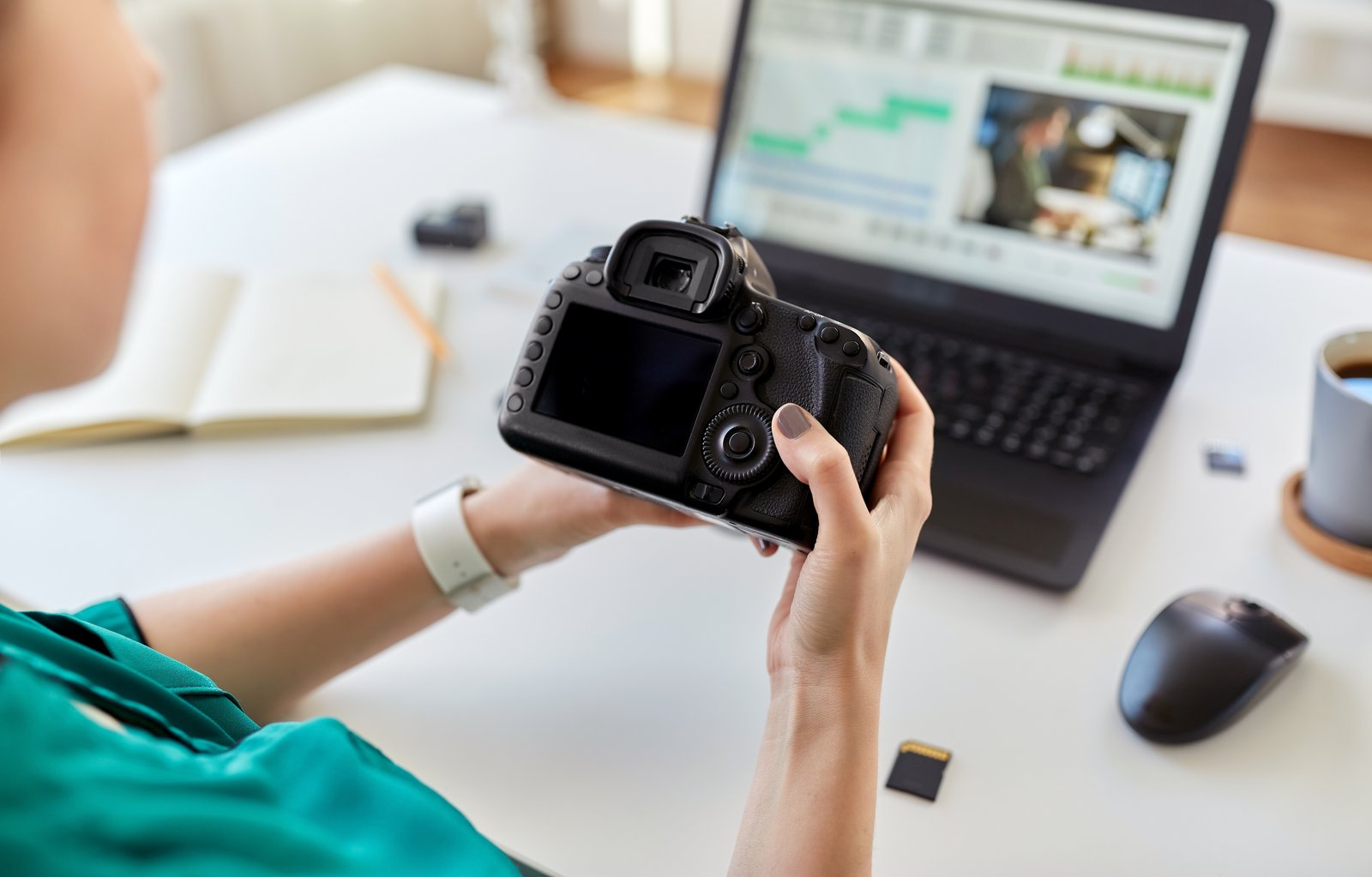
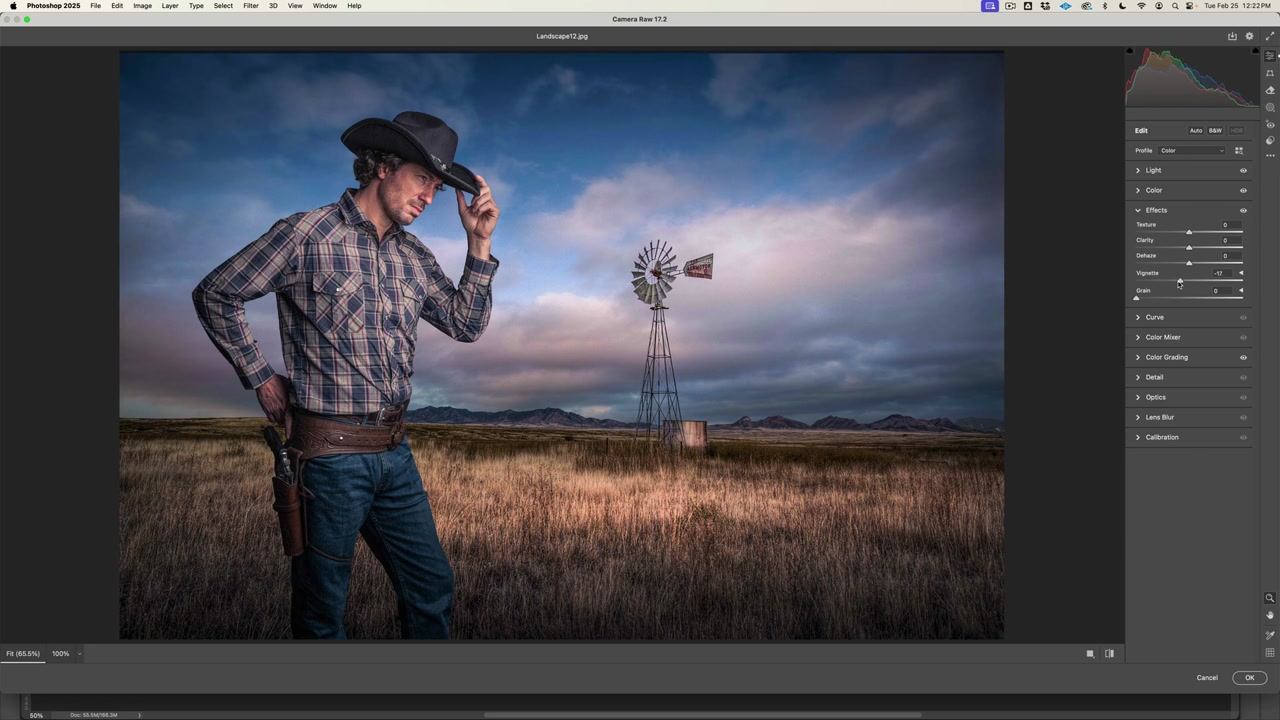
I used to hand a client a finished composite and feel that quiet dread when they emailed back asking for the shadows to be “a little warmer.” If I had shot the source images in JPEG, that request was a problem. The shadow data was baked in, compressed, and partially gone. If I had shot RAW, it was a two-minute fix in Camera Raw before I even opened Photoshop. I learned that lesson early enough in my career that it reshaped how I approach every project, and it is the first thing I tell students who are frustrated with edits that fall apart at the final stage.