Skin Retouching in Photoshop: A Non-Destructive Workflow for Natural Results

Skin Retouching in Photoshop: A Non-Destructive Workflow for Natural Results

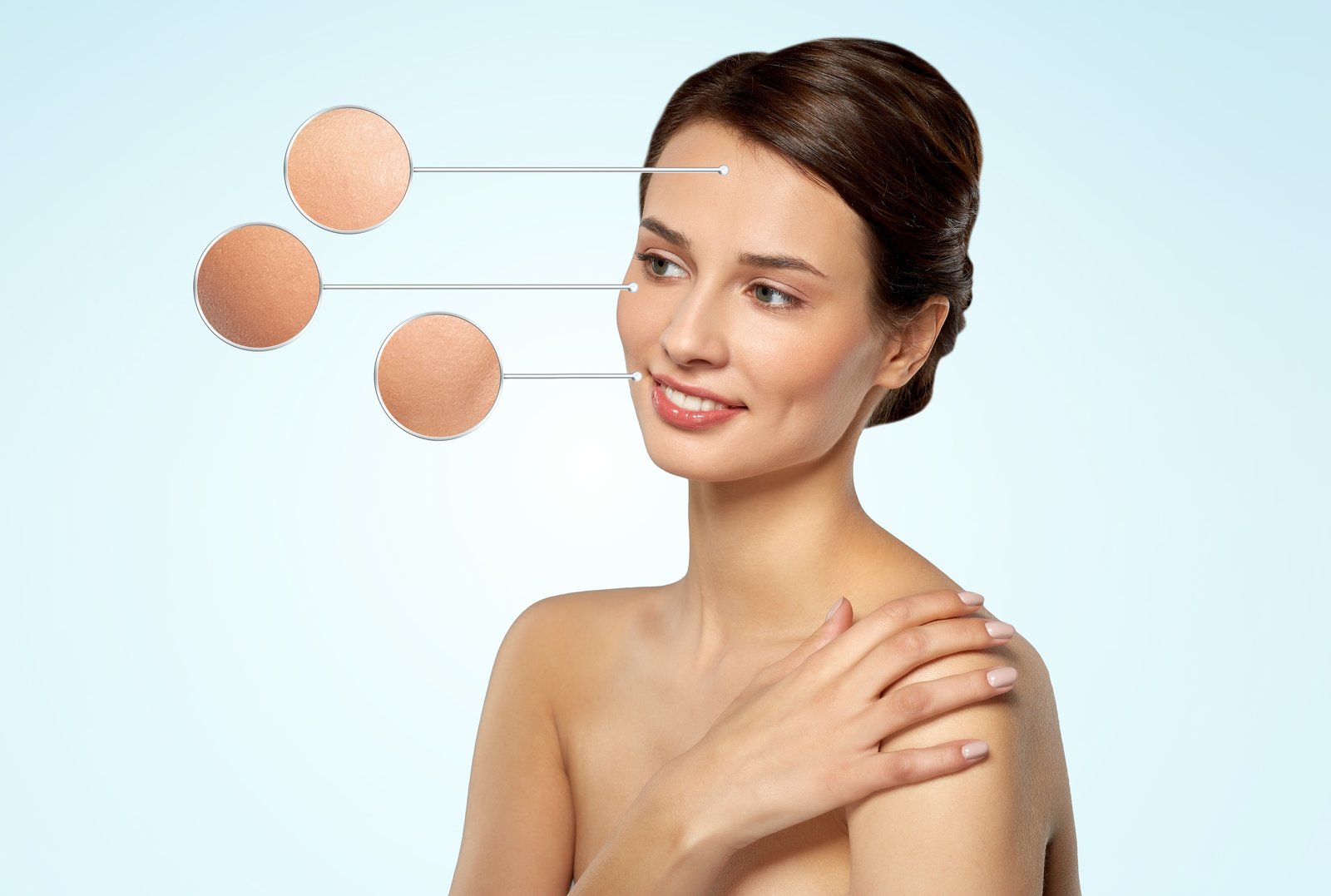
Skin Retouching in Photoshop: A Non-Destructive Workflow for Natural Results When I first started retouching portraits, I made every beginner’s mistake: I’d flatten images, over-blur skin, and end up with plastic-looking results that screamed “edited.” Over time, I learned that the best retouching is invisible. Today, I’m sharing the exact workflow I use for professional skin retouching that looks natural and maintains skin texture. Why Non-Destructive Retouching Matters Before we dive into technique, let me explain why I never work directly on my original layer.

RAW Editing in Photoshop: Your Complete Guide to Non-Destructive Workflows

RAW Editing in Photoshop: Your Complete Guide to Non-Destructive Workflows

RAW Editing in Photoshop: Your Complete Guide to Non-Destructive Workflows When I first started working with RAW files in Photoshop, I realized I was sitting on untapped potential. Most photographers shoot in RAW format but process them in Lightroom or Capture One alone. Here’s what I discovered: Photoshop’s Smart Objects and adjustment layers give you RAW-like flexibility even after you’ve opened your file. Today, I’m showing you how to harness this power.

Master Color Correction in Photoshop: A Practical Guide to Perfect Tones

Master Color Correction in Photoshop: A Practical Guide to Perfect Tones

Master Color Correction in Photoshop: A Practical Guide to Perfect Tones Color correction is one of the most powerful tools in your editing arsenal, and I’ve found that many photographers overlook it because they think it’s complicated. It’s not. Once you understand the fundamentals, you’ll be able to fix color casts, balance exposure, and create cohesive looks across your entire portfolio. In this guide, I’ll walk you through the techniques I use on every project, from fixing white balance to achieving professional color grading.