Photoshop
How to add Shadows in Photoshop Tutorial
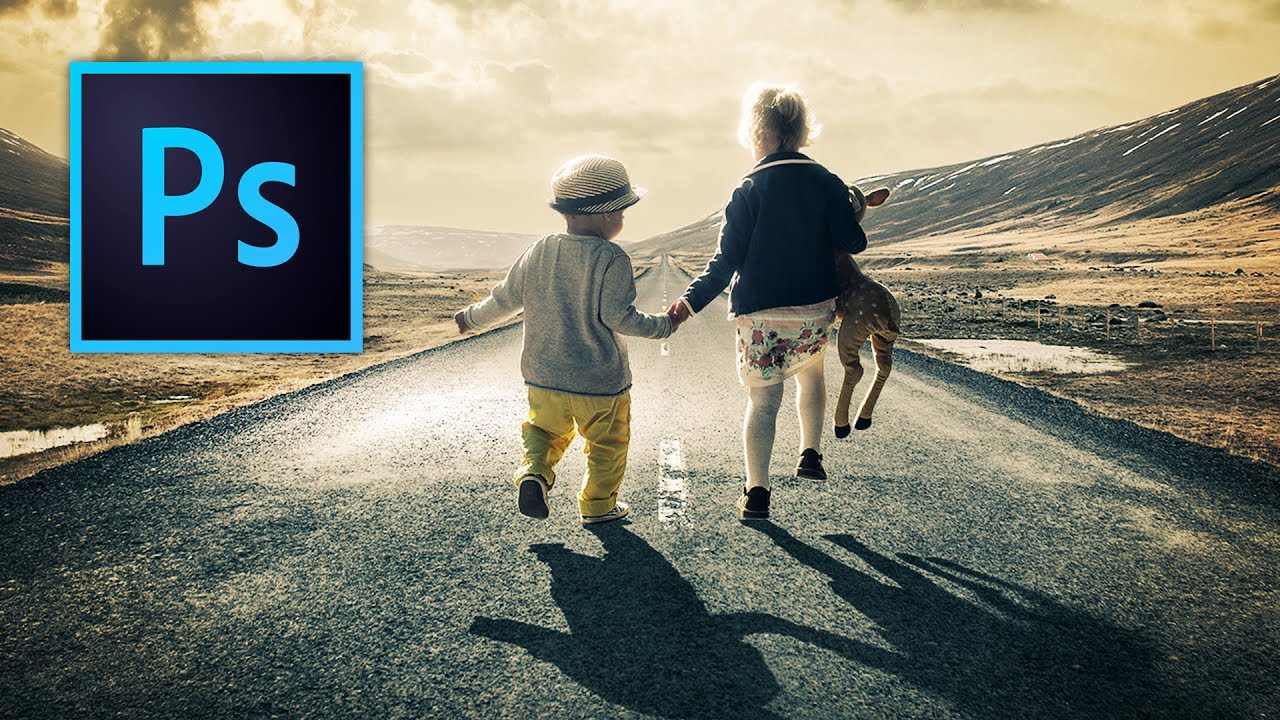
In this tutorial, I’m going to show you how to add shadows in Photoshop and how to manipulate shadows to match the light source, angle, perspective, blur, and opacity. It’s pretty simple, but it looks pretty cool. To get started, Download the source files to follow along with this tutorial. Get the source files Overlaying the Sky in Photoshop Open the road.jpeg and sky.jpeg files in Photoshop. With the Move tool, drag the sky image over to the road image file.